
Gallery
AuroraView Gallery is a comprehensive showcase application that demonstrates all features and capabilities of the AuroraView framework. It serves as both a reference implementation and a testing ground for developers.
Download
Get the latest Gallery release:
| Platform | Download |
|---|---|
| Windows | auroraview-gallery-windows.zip |
Note: Gallery is a standalone application packaged with
auroraview-cli. It includes all dependencies and does not require Python installation.
Features Overview
Gallery demonstrates the following AuroraView capabilities:
Sample Browser
Browse and run example applications organized by category:
- Getting Started: Quick start examples and basic usage patterns
- API Patterns: Different ways to use the AuroraView API
- Window Features: Window effects and advanced features
- DCC Integration: DCC-specific examples
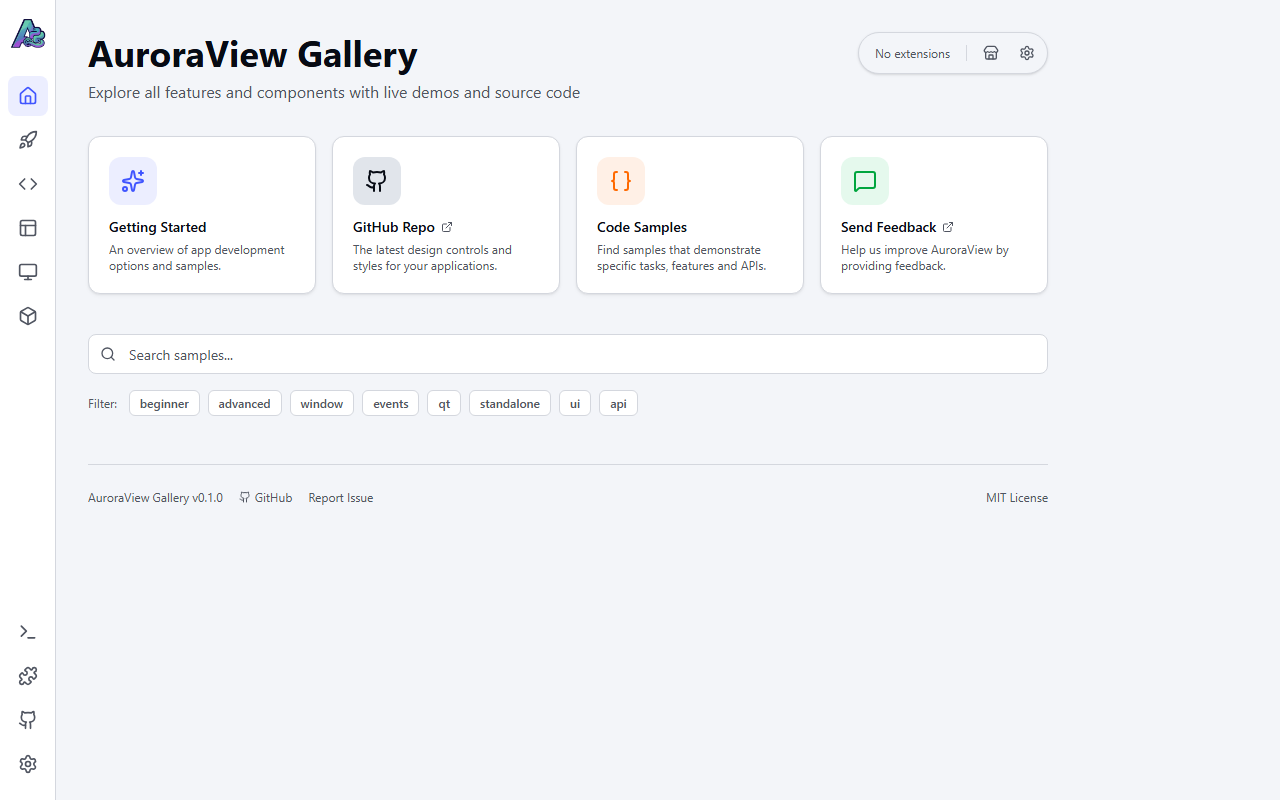
Category Views
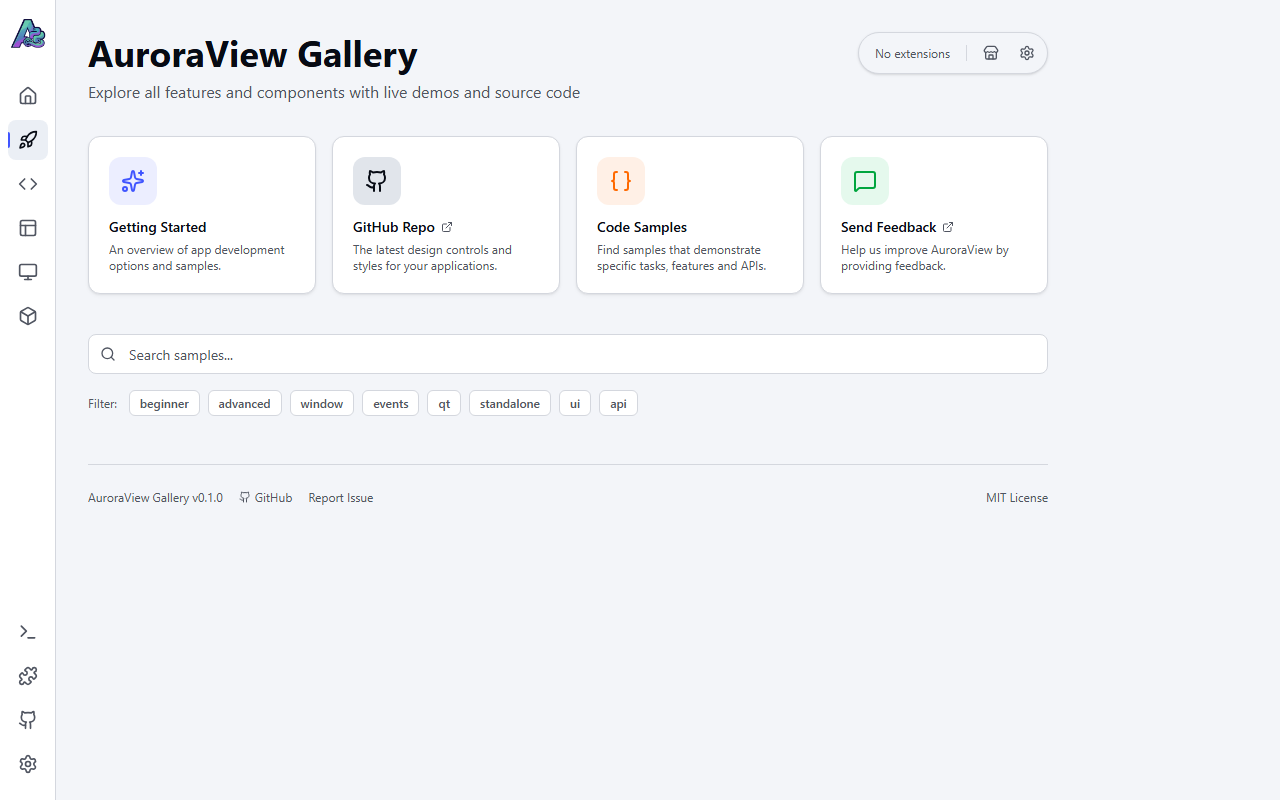
Getting Started
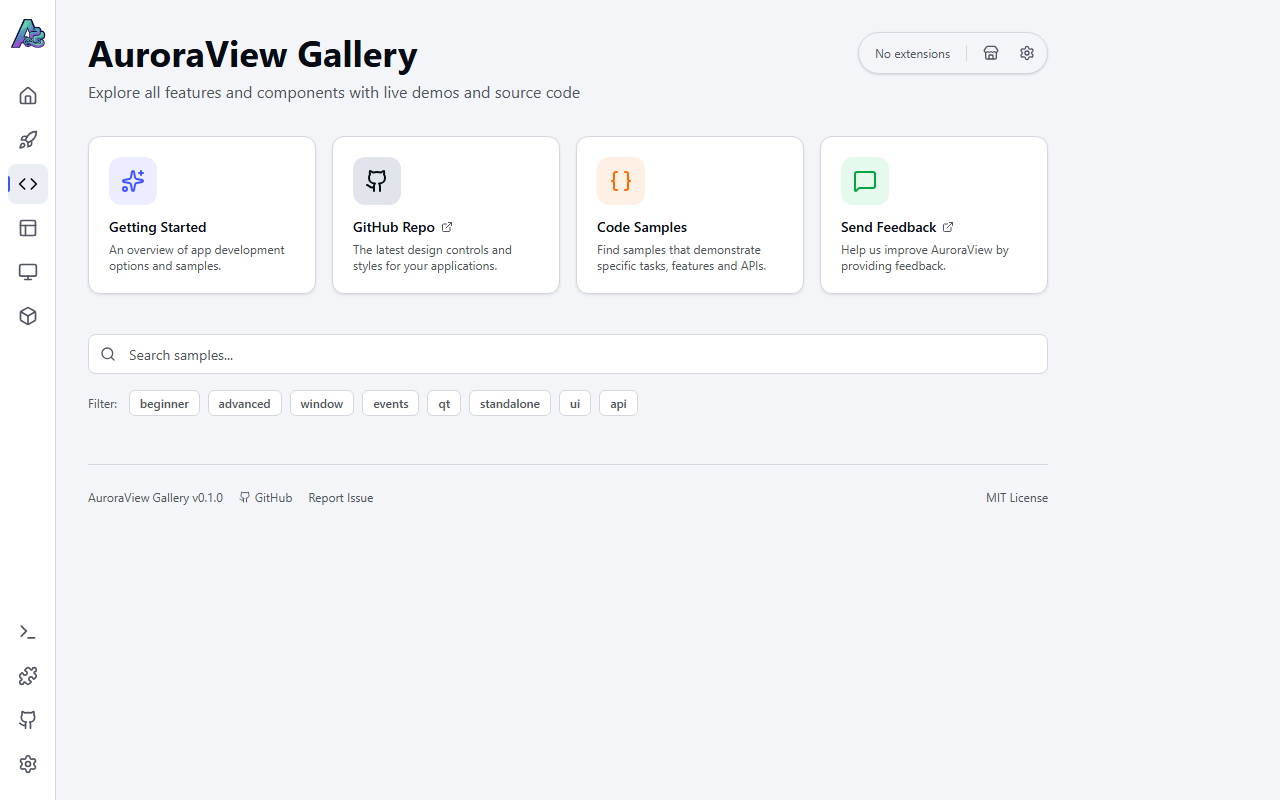
API Patterns
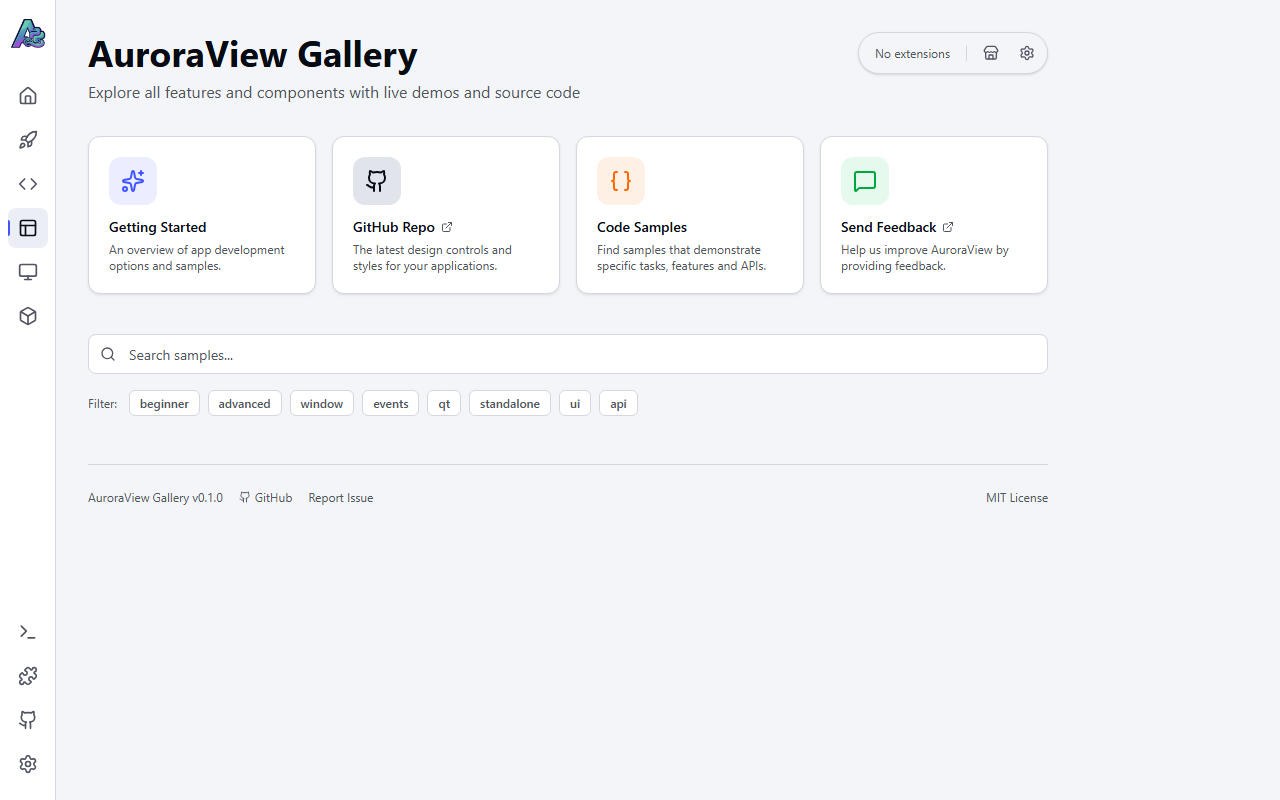
Window Features
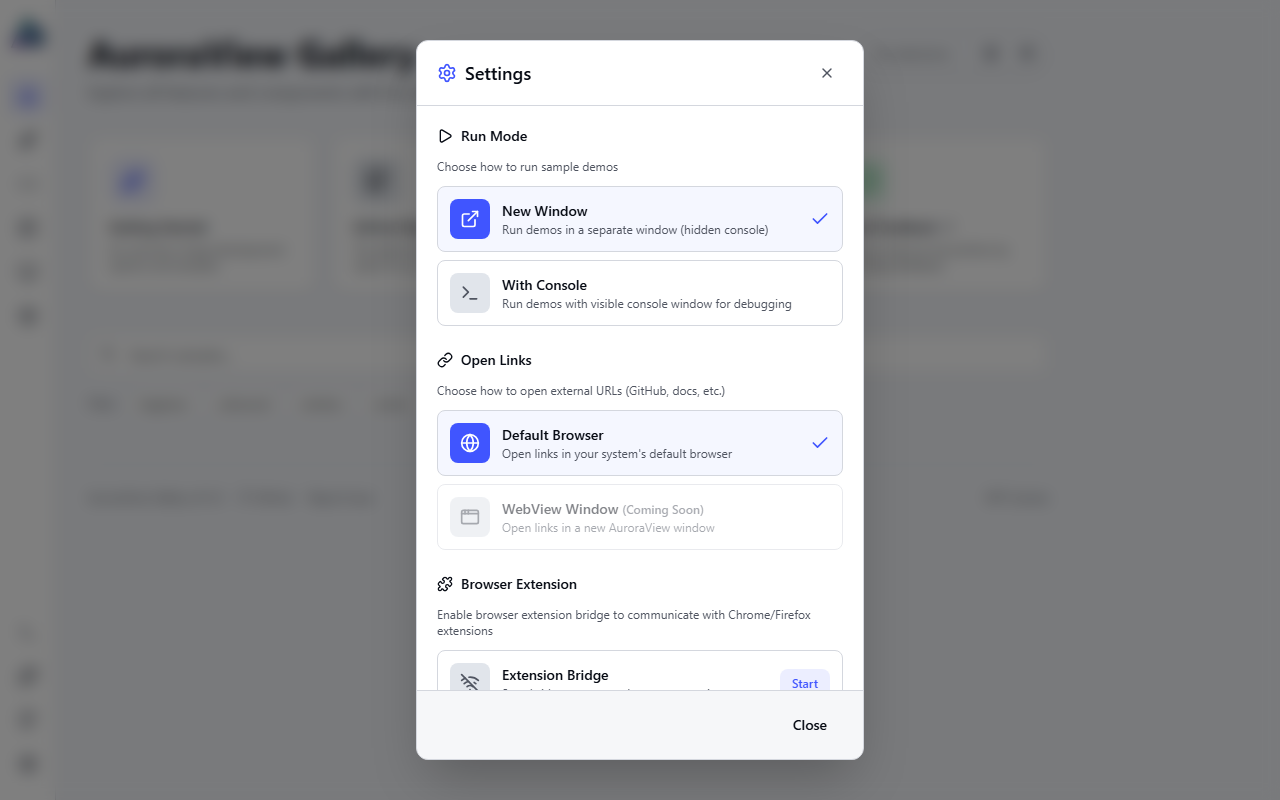
Settings
Configure Gallery behavior and preferences:
Live Code Viewer
View and study the source code of any sample:
- Syntax highlighting
- Copy to clipboard
- Open in external editor
Process Console
Monitor running samples with real-time output:
- stdout/stderr capture
- Process management (kill, restart)
- Multiple process tracking
Chrome Extension Support
Test and develop Chrome extensions in AuroraView:
- Extension installation
- Side panel support
- Chrome API compatibility testing
Window Effects Demo
Interactive demonstration of window effects:
- Click-through mode with interactive regions
- Background blur (Blur, Acrylic, Mica)
- Real-time configuration
Running from Source
If you want to run Gallery from source:
# Clone the repository
git clone https://github.com/loonghao/auroraview.git
cd auroraview

# Install dependencies
pip install -e .
cd gallery
npm install

# Build frontend
npm run build

# Run Gallery
cd ..
python gallery/main.py
Gallery Architecture
Gallery is built with:
- Frontend: React + TypeScript + Tailwind CSS
- Backend: AuroraView Python API
- Packaging: auroraview-cli pack system
gallery/
├── src/                 # React frontend
│   ├── components/      # UI components
│   ├── hooks/           # Custom React hooks
│   └── data/            # Sample definitions
├── backend/             # Python backend
│   ├── samples.py       # Sample management
│   ├── extension_api.py # Extension support
│   └── process_api.py   # Process management
├── main.py              # Entry point
└── auroraview.pack.toml # Pack configuration
Sample Categories
Basic Examples
| Sample | Description |
|---|---|
| Hello World | Minimal WebView example |
| Load URL | Load external websites |
| Load HTML | Load inline HTML content |
| Transparent Window | Transparent background demo |
API Examples
| Sample | Description |
|---|---|
| JS to Python | Call Python from JavaScript |
| Python to JS | Execute JavaScript from Python |
| Event System | Bidirectional event communication |
| Async Calls | Asynchronous API patterns |
UI Examples
| Sample | Description |
|---|---|
| Custom Titlebar | Frameless window with custom titlebar |
| Context Menu | Custom right-click menus |
| System Tray | System tray integration |
| Multi-Window | Multiple window management |
Advanced Examples
| Sample | Description |
|---|---|
| File Dialog | Native file dialogs |
| Clipboard | Clipboard operations |
| Window Effects | Click-through and vibrancy |
| Child Windows | Parent-child window relationships |
Contributing Samples
To add a new sample to Gallery:
- Create your example in
examples/directory - Add sample metadata to
gallery/backend/samples.py - Test with
python gallery/main.py - Submit a pull request
Sample metadata format:
{
    "id": "my-sample",
    "name": "My Sample",
    "description": "Description of what this sample demonstrates",
    "category": "basic",  # basic, api, ui, dcc, advanced
    "tags": ["tag1", "tag2"],
    "file": "examples/my_sample.py",
}
Keyboard Shortcuts
| Shortcut | Action |
|---|---|
Ctrl+R | Reload current page |
Ctrl+Shift+I | Open DevTools |
Ctrl+Q | Quit Gallery |
Escape | Close modal/panel |
Troubleshooting
Gallery won't start
- Ensure WebView2 Runtime is installed (Windows)
- Check if port 5173 is available (dev mode)
- Try running with
--debugflag
Samples fail to run
- Check Python path configuration
- Verify sample file exists
- Check process console for errors
Extensions not loading
- Ensure extension manifest is valid
- Check extension permissions
- Restart Gallery after installing extensions