🛠️
40+ Tools
Complete CRUD operations, batch processing, thumbnails, notes, and playlists
A Model Context Protocol server for Autodesk ShotGrid/Flow Production Tracking
Prompt: Query the team's task schedule for the past week, calculate workload rate based on 8 hours per day, and visualize it in web format
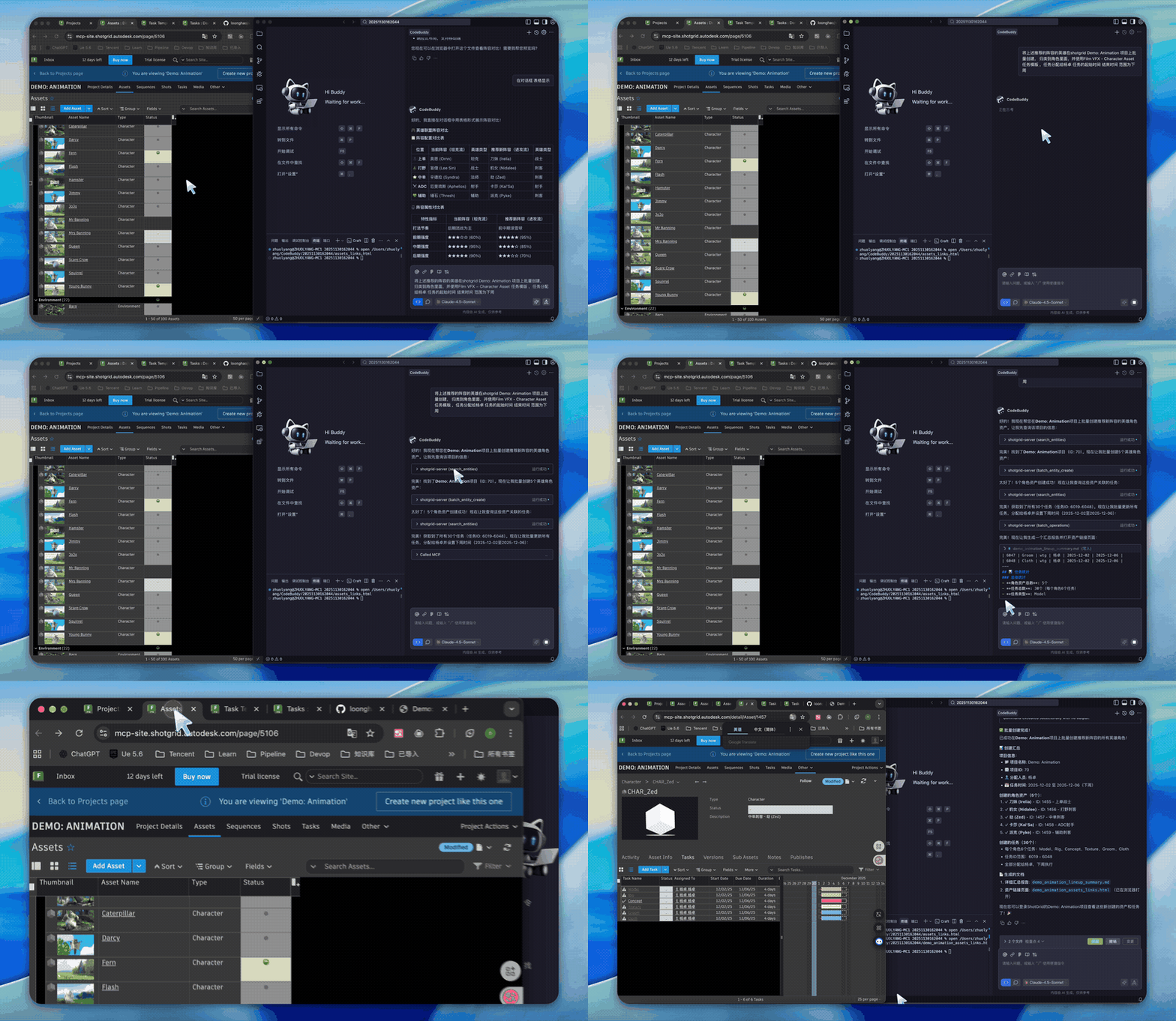
Prompt: Batch create the recommended hero characters in the shotgrid Demo:Animation project, categorize them as characters, use the FilmVFX-CharacterAsset task template, assign tasks to Yang Zhuo, with start and end dates set to next week
Prompt: Query timelog data from shotgrid and visualize it in web format
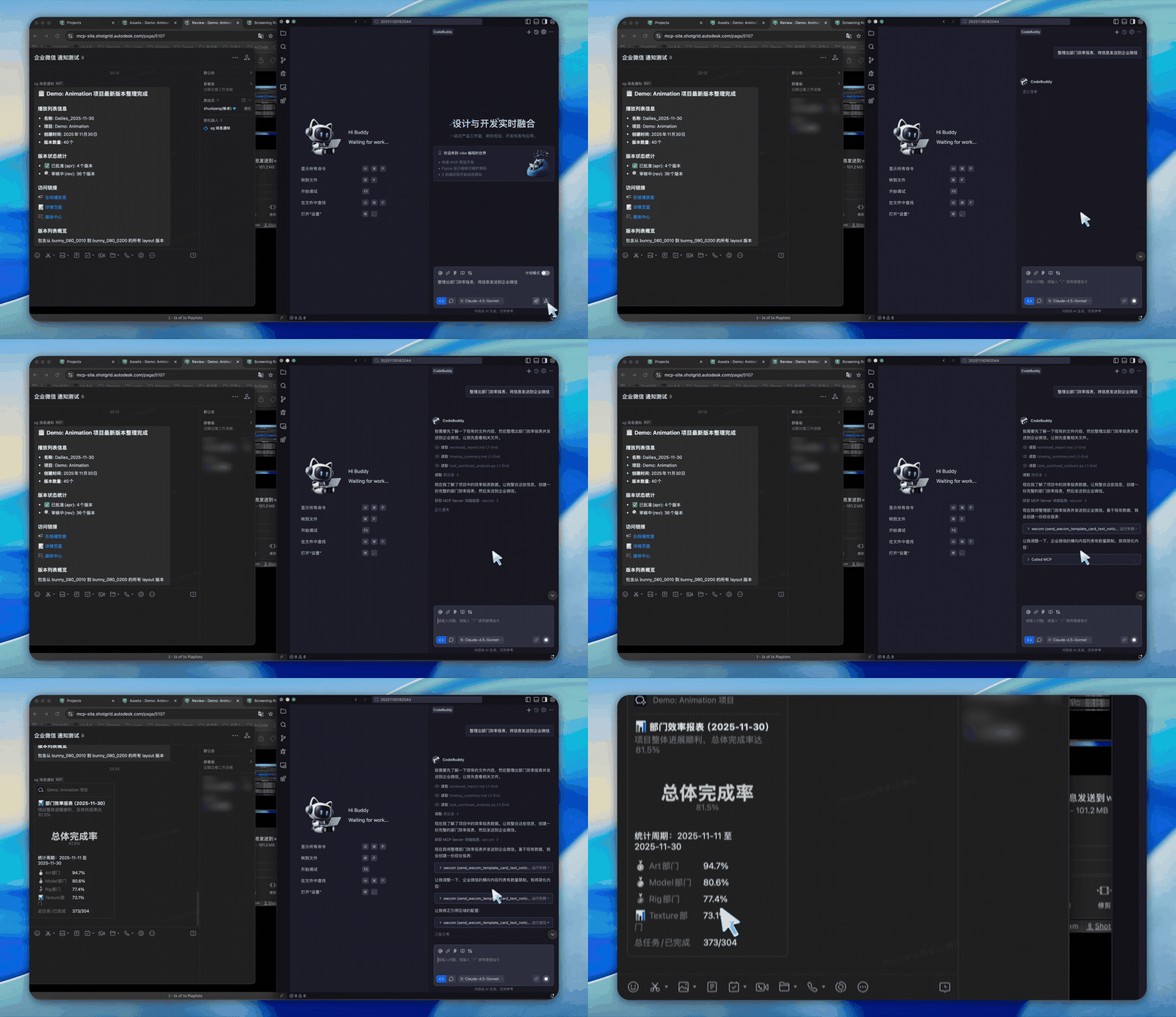
Prompt: Calculate department efficiency and send the data to WeCom. Efficiency formula: Efficiency = Task bid / Timelog hours